Choosing AI work tools: look beyond the model
 KuWork
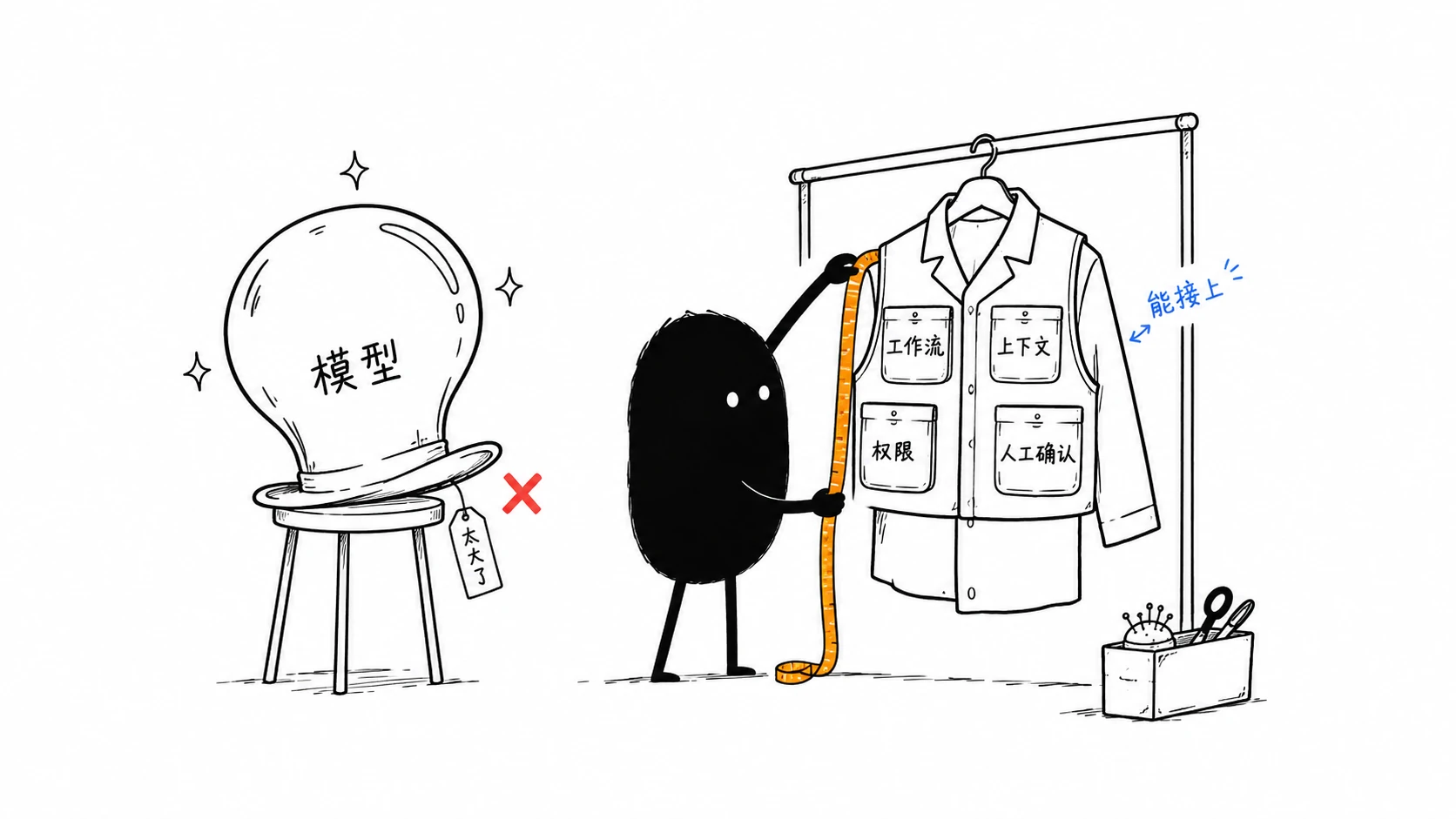
Model capability matters, but it does not tell you whether a team will keep using a tool. Can it work with the information you already have? Fit the way people collaborate? Show where a result came from? Let you step in when something goes wrong—or leave when you need to?
A tool that works well in an individual trial may perform very differently in a team.
Why a great tool in a trial can fail in a team
In a personal trial, fast, good answers can make a tool look valuable. For a team, the questions change: who can access what? How do people see the same version? How are results reviewed? Can work continue outside the tool? Without answers, adding tools can increase switching and repeated input.
Start selection with this question: where will it fit into the work, and what friction will it remove?
For example, two teams may both need to organize customer feedback. One needs to classify scattered materials and preserve evidence; another needs confirmed findings written back to CRM. The first should focus on organization and collaborative reuse. The second also needs to verify connections, write permissions, and exception handling. Comparing power without reference to the task hides the conditions that determine adoption costs.
Five things to check before you choose
- Task fit: Can it handle the target task’s real inputs and outputs, beyond a polished demo?
- Information and access: Where do materials come from, and can access, updates, and citations be controlled?
- Collaboration and handoff: Can teammates see, comment on, reuse, and build on the work?
- Control: Are review, exception handling, usage records, and exit options clear?
- Cost of adoption: Must users repeatedly copy and paste and learn new processes, or can they start naturally from existing work?
Test competing tools on the same real task instead of only comparing features. Record output quality, follow-up questions, manual edits, and collaboration bottlenecks. This usually provides a more realistic answer than a vendor demo.
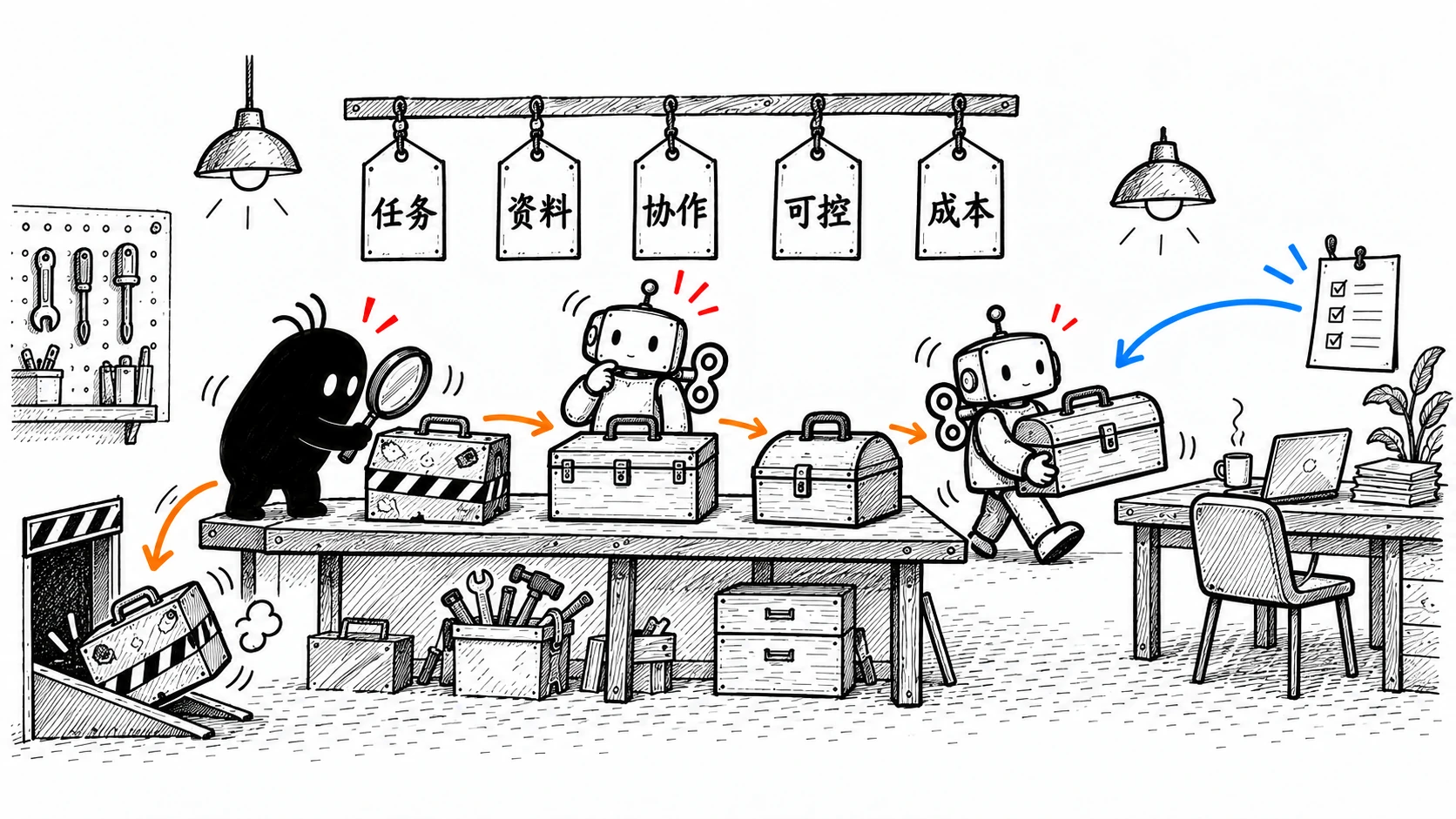
These five dimensions need not become a single score. First set disqualifying thresholds: unclear data boundaries rule out sensitive use cases; critical work requiring reliable system writes demands verified connections and permissions. After those thresholds are met, have users compare quality, time, and handoff difficulty on the same task.
Set your deal-breakers first
Selection needs exclusion criteria. A solution that cannot explain its information boundaries should not enter sensitive use cases. One requiring extensive manual transfers should not promise team-wide efficiency. Automation without clear human confirmation points should not directly perform high-risk actions.
Evaluate KuWork against the work you need to do
KuWork is more than a gateway to models. It is an AI work partner platform that brings together goals, specialist partners, project context, system connections, and deliverables. Assess it against the work your team needs to carry forward: can information and tasks stay in a project? Can others take over and reuse the results? Can training capture your business methods? Can it connect to existing systems when needed? Check specific connectors, read/write actions, permissions, exception handling, and deployment against the version and environment you plan to use.
KuWork does not need to replace existing tools in every use case. If the team only needs quick answers for individuals, or its current systems already handle the work reliably, weigh the effort to change against the value added before adopting it.
Judge usability first by whether a tool removes a transfer, a follow-up question, or a round of rework.
When evaluating KuWork, consult thePersonal and enterprise plansto check usage allowances and collaboration features, then try one real task to see whether it fits.
Frequently asked questions
Should we buy it for the whole company at once?
First align on evaluation tasks and security boundaries. Keep unvalidated scenarios in small pilots so organizational standards are based on evidence.
How do we compare two products with similar model capabilities?
Compare how they work with your information, permissions, handoffs, and review process—not just how they answer general questions.
Something you can do today
Choose two candidate tools and one real task from this week. Write three disqualifying conditions, then have the same users complete the task with each tool. Record input preparation, manual edits, handoff questions, and exception handling. This produces evidence you can check and compare rather than an impression after a feature demo.
Put AI within reach of your whole team.
Connect expertise, enterprise knowledge, and real workflows with KuWork.