Three places AI projects get stuck
 KuWork
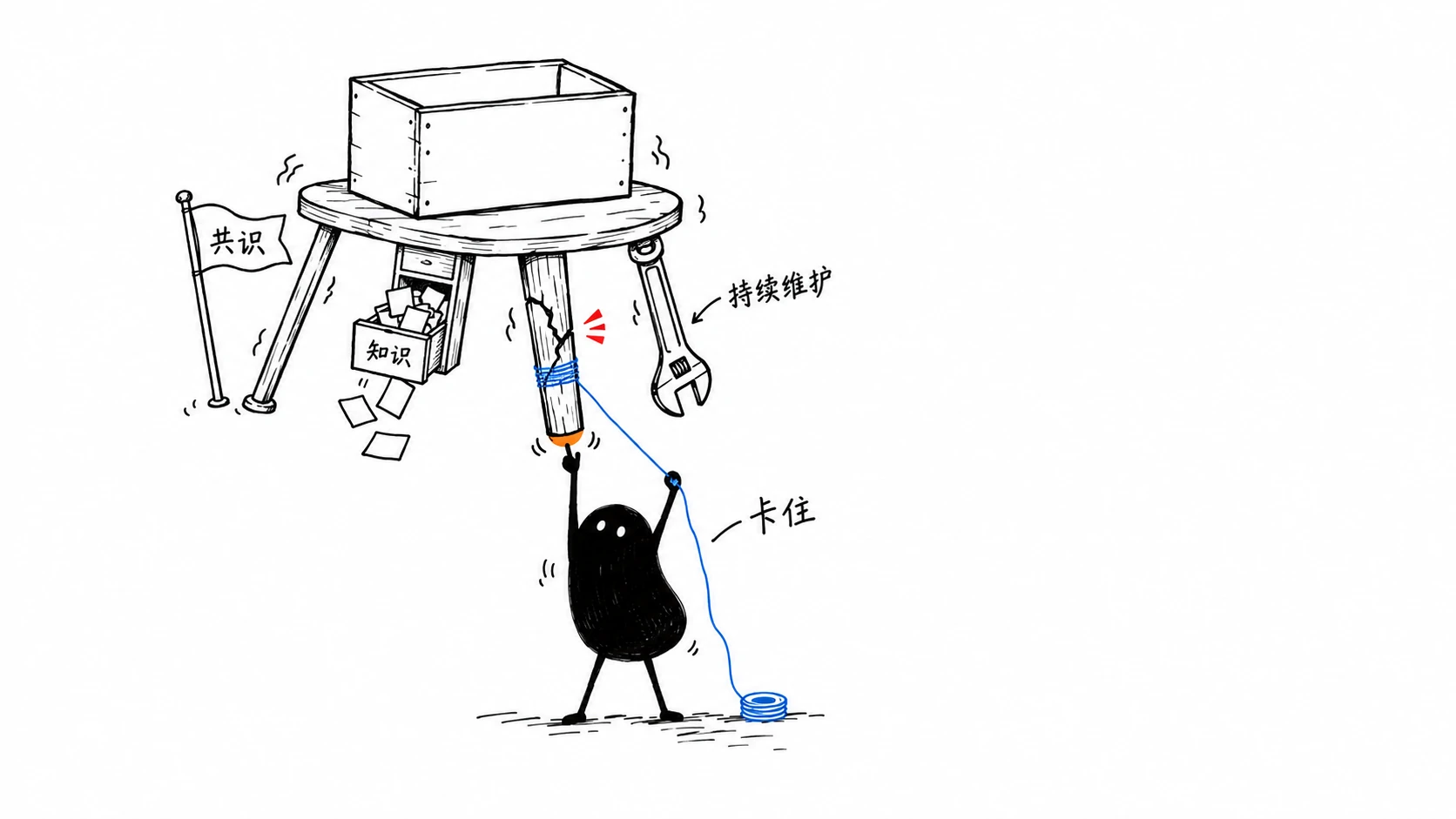
Many AI projects shine in a demo but stall in everyday work. The problem is often not the model. The task is unclear, the information is hard to use, or nobody knows who should step in when something goes wrong.
If even one of these remains unresolved, it is difficult to move a project from demos into everyday use.
1. The task is still a feature wish list
“Build a smart assistant” and “use AI to make the team more efficient” are not tasks with acceptance criteria. To proceed, specify where the user gets stuck, what output AI prepares, when a person reviews it, and what change counts as improvement.
Without a clear task, teams can become trapped between “lots of features” and “no business impact.”
Test clarity by completing this sentence: “Who, at what point, uses which inputs to have AI prepare what result, and who confirms it against which criteria?” If you cannot write that sentence, the discussion is probably still about feature wishes.
2. The information exists, but cannot be used safely
Real work needs context, which is often scattered across documents, spreadsheets, chats, and personal experience. Are the materials accurate or outdated? Who can access them? How can citations be traced? Without resolving these questions, even fluent AI answers are difficult to trust for decisions or external content.
Data governance need not begin with a perfect knowledge base. Assemble a small set of authoritative materials for the pilot, mark their sources, update dates, and permitted scope, and discover gaps through use.
The existence of materials does not make them usable. Outdated price lists, context-free meeting notes, and customer information with unclear permissions can render a fluent answer unusable. Defining a small authoritative source set is safer than asking AI to guess from all historical files.
3. AI takes action, but nobody owns the result
The closer AI gets to real processes, the more important it is to distinguish system suggestions from decisions owned by people. Before launch, specify who reviews, who approves, how to roll back exceptions, and which actions cannot run automatically. Otherwise, risk will push the team back to using AI only for demos.
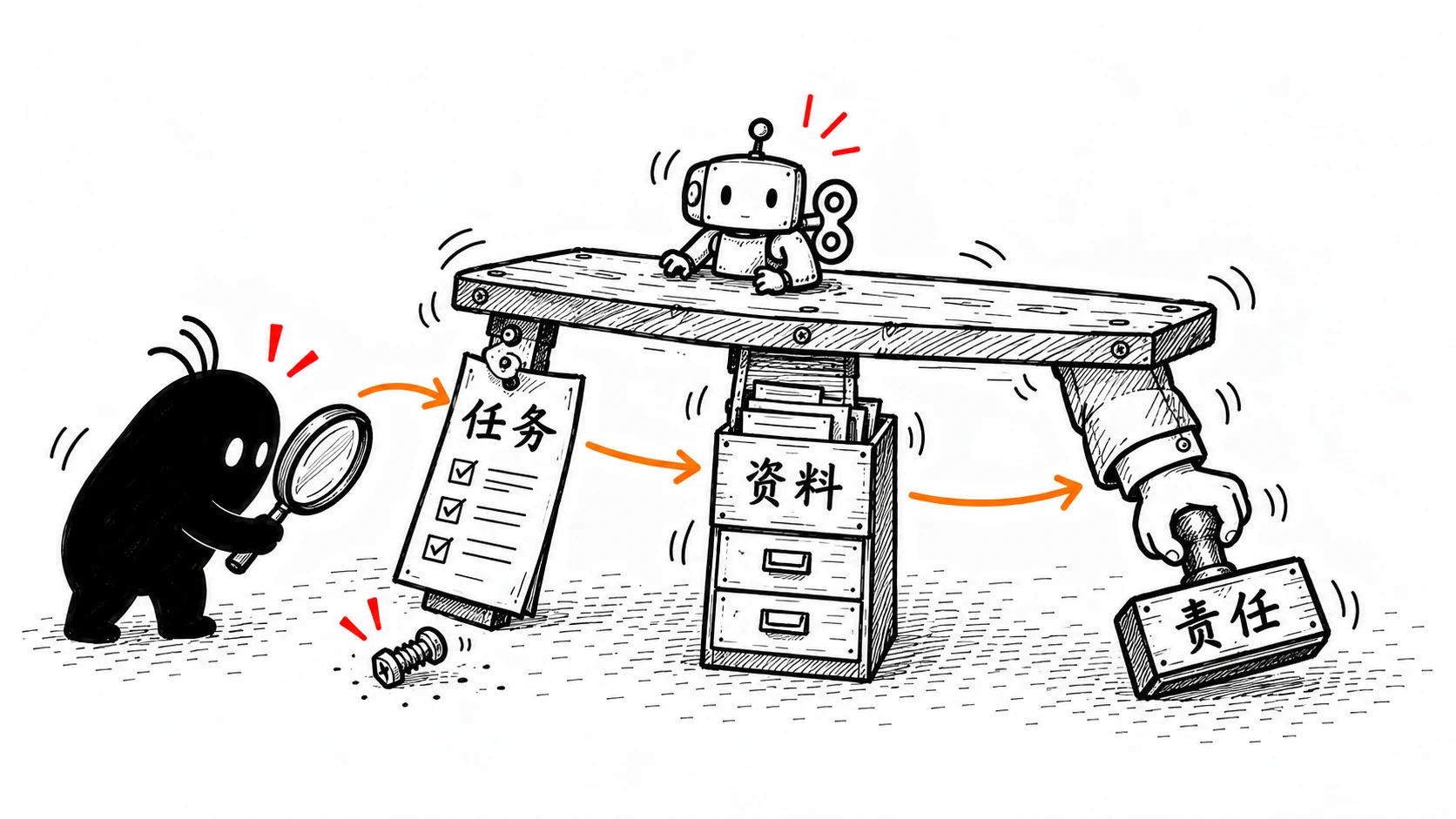
These breakdowns affect each other. Unclear tasks leave information gathering unbounded. Unusable materials prevent reviewers from judging outputs. Unclear accountability leaves exceptions unhandled. Starting with the most concrete task is often faster than debating model capability.
A demo needs one good answer. A working process needs clear handoffs, checks, and a way to recover when things go wrong.
Where to start troubleshooting
When a project stalls, check before changing models: does the task have clear inputs and acceptance criteria? Do materials have sources and permission boundaries? Does someone review outputs and own the outcome? Fill whichever gap remains.
Make the task, information, and responsibilities clear in KuWork
KuWork can retain task context and materials in projects and supports human additions, confirmation, and visibility into progress. For a pilot, document task inputs and acceptance criteria, permitted materials and their sources, and the owner and exception-handling process. When connecting business systems, reading or writing data, or scheduling automation, do not assume every action is available. Check the current version, authorization scope, and specific exception mechanisms.
This does not mean putting all work on hold until governance is complete. Low-risk tasks can start with a light process, as long as everyone knows which information is allowed, who reviews the work, and how to fall back to manual handling.
Frequently asked questions
The demo is impressive, but business users will not use it. What should change first?
Start with a specific task the business team is willing to own. Work through it together from start to finish, then decide which capabilities are missing.
Will governance make the pilot too slow?
The controls should match the risk. Keep low-risk internal pilots lightweight, but agree upfront on the information they can use, who reviews the work, and what happens if they fail.
Something you can do today
Take an AI project that has stalled. Before listing new features, ask the owner to write one line each for task inputs and acceptance criteria, usable materials and their sources, and who handles deviations. Start wherever a line cannot be completed.
Put AI within reach of your whole team.
Connect expertise, enterprise knowledge, and real workflows with KuWork.